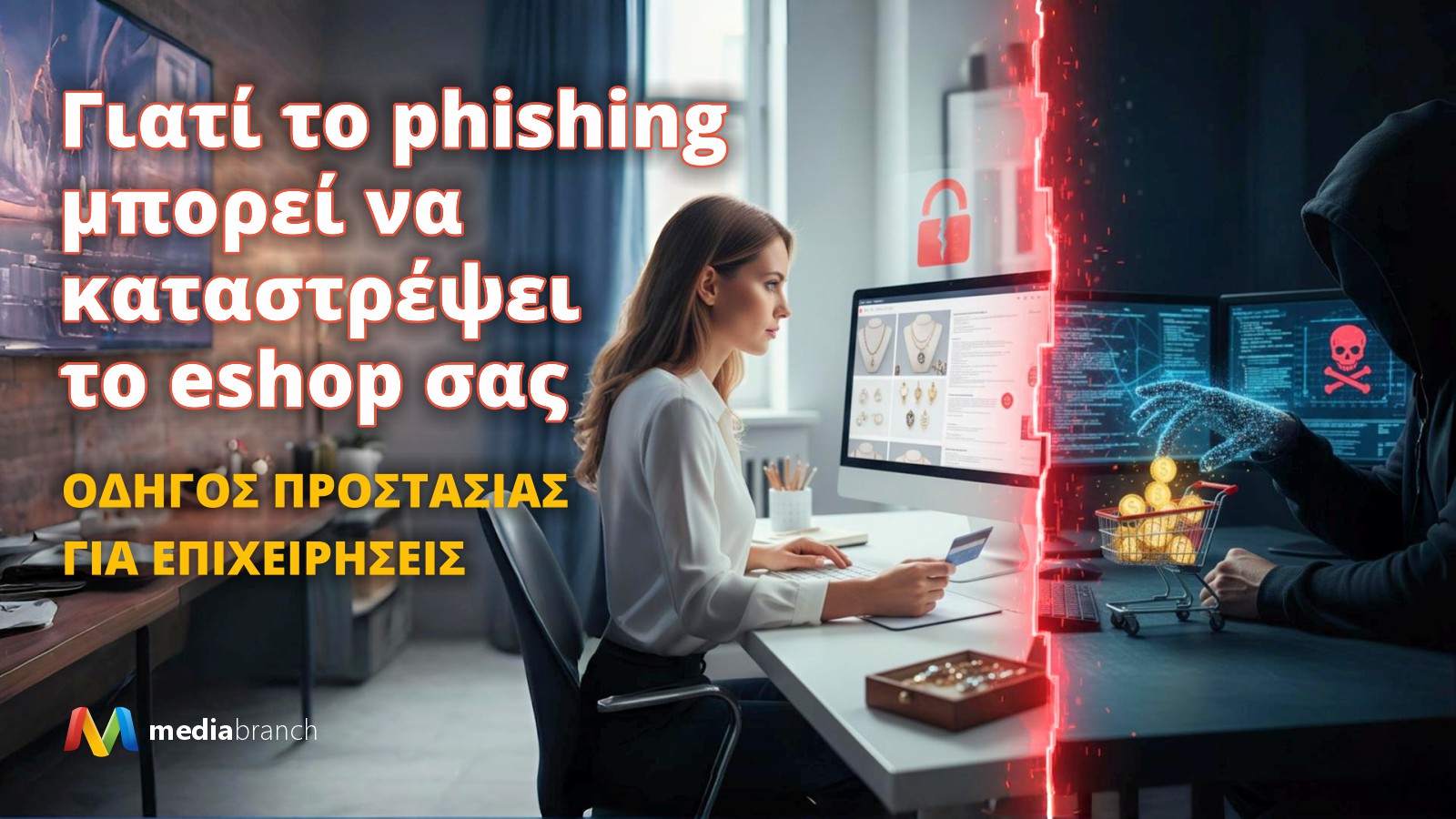
Katerina runs a successful e-shop with jewelry and watches. Small products in size, but of great value. Her orders were usually worth between 150 and 350 euros. The store had really taken off and everything indicated that the year would be its best.
Until the first small signs that something was wrong appeared. Some customers reported delays, but nothing alarming. Some others said they didn't receive their order, but believed there was some mix-up with the courier company.
What Katerina didn't know was that a hacker had already broken into the eshop's dashboard. He didn't change anything. He didn't break anything. He didn't do any visible damage. Instead, he was quietly watching.
There he found the stored SMTP login details. The ones the eshop uses to send emails to customers, for anything related to their orders. These details allowed him to send authentic emails with the company's official corporate email. The messages looked completely normal and customers had no reason to question their authenticity or find anything in the message suspicious.
The hacker now had a weapon: the trust of Katerina's customers.
Every week he would select a few high-value orders. Before Katerina printed the shipping label, he would change the address through the admin panel and send the customer a reassuring message that looked 100% official. “Your order will be delayed a little” or “There was a delay with the courier” was enough to buy time.
Most customers just waited. They believed the business had informed normally. Katerina didn't see any mass complaints. Everything seemed normal.
And so, within three weeks, the hacker had disappeared with thousands of euros worth of products. By the time Katerina realized what was happening, the attacker had already disappeared without a trace.
This story is fictional but the way her products disappeared… is 100% real and it's happening NOW in eshops!
It's the perfect proof that phishing today is not just a malicious email. It's an organized attack that exploits every weak point of an e-shop and hits where it hurts the most: trust.
1. What is phishing and why does it concern your eshop?
Phishing is a method of deception where the attacker pretends to be someone trustworthy in order to gain access to sensitive information, such as:
- Eshop management accounts
- Email or SMTP passwords
- Customer and order information
In small and medium-sized business e-shops, phishing often has financial goal: the theft of high-value products or misleading customers into sending orders to false addresses.
2. How does an eshop attack happen?
A typical phishing attack on a small and medium-sized business e-shop includes the following steps:
- Targeting the administrator
The hacker sends an email that looks completely authentic (e.g. “New update for your eshop”) so that the administrator opens the link or attached file. - Gaining admin access
Through the attack, the hacker gains access to the eshop admin and views stored SMTP details and orders. - Using SMTP to mislead customers
Using SMTP credentials, the hacker sends emails that appear to come from the official business.- Emails reassure customers with messages like:
“Your order will be delayed a little”
ή
“There was a delay with the shipping”- This way, customers don't call or email to complain.
- Emails reassure customers with messages like:
- Change shipping address
The hacker changes the shipping address to an address he controls, such as:- his personal address or parcel pickup location
- temporary address like AirBnb or locker courier
Thus, the products are received normally by the same person, without anything appearing suspicious to customers or the courier company.
- Attack pattern for concealment
- The hacker selects a few high-value orders per week
- This way, mass complaints are avoided.
- Within 2-3 weeks, he can remove products worth thousands of euros without leaving a trace.
3. Practical protection actions
Small and medium-sized businesses can protect themselves by taking the following steps:
3.1 Two-factor authentication (2FA)
- Use 2-Factor Authentication (2FA) on admin, email, and SMTP.
- Each login will require a second level of verification to verify your details.
3.2 Strong and unique passwords
- Each employee should have a unique password for each system.
- Use a password manager for secure storage.
3.3 Secure SMTP login details
- Do not store SMTP passwords in shared or unencrypted files.
- Prefer managed SMTP via cloud server with logging and access restrictions.
3.4 Firewalls and IP blockers
- Enable firewall to block suspicious IPs.
- Restrict access to the eshop administration panel only from specific IPs (office, home, employees) or geographic areas.
3.5 Staff training
- Train all employees about phishing emails and suspicious links.
- Create a specific checklist that you and your staff will follow every time an email asks you to log in or grant access to eshop management tools (sender, link, language/style, confirmation, suspicious requests).
3.6 Modern cloud servers
- Choose web hosting that offers:
- Firewall and anti-DDoS protection
- Updated SSL/TLS certificates
- Automatic Backup/Restore in real time
- Logging and monitoring of all connections
MediaBranch's cloud servers are fully equipped to protect your eshop from such threats, while providing fast and stable operation.
4. What to do if you suspect an attack
- Change all passwords immediately and enable 2FA
- This includes admin, email, SMTP, and any customer management tools.
- Make sure each employee has a unique password.
- Check SMTP history and recent orders
- Identify if suspicious emails have been sent to customers or if changes have been made to shipping addresses.
- Record all anomalies for future analysis.
- Contact the eshop's technical support for log analysis and possible isolation of the attack.
- Request a detailed audit of connections, IP and admin access.
- If necessary, temporarily restrict access to specific IPs.
- Notify customers of any delays or problems in a discreet manner
- Send authentic emails that reassure and provide information without panic.
- Don't mention the attack directly, just focus on the solution and delivery.
- Monitor and restore systems
- Make sure all changes were restored correctly.
- Keep backups of logs to prevent future attacks and have evidence in case of need.
5. Best Practices and Protection Checklist for Eshop
5.1 Integrated security practices
- Two-factor authentication (2FA) in all management systems, email and SMTP
- Strong and unique passwords for each employee and account
- Continuous software updates: eshop platforms, plugins, themes, and server patches
- Firewall & IP restrictions to restrict access only to trusted IPs or geographic areas
- Managed cloud hosting with anti-DDoS, real-time backup, logging and monitoring
- SMTP and email encryption to protect communication with customers
- Staff training to identify phishing emails and suspicious links
5.2 Protection checklist (quick guide for daily use)
- Check recent connections in the admin panel for suspicious IPs or login attempts
- Confirm orders: any changes to addresses or payment methods not made by the customer
- Enable 2FA if it is not already active
- Change passwords every 1-2 months or immediately after suspicious activity
- Check SMTP logs: every message sent must come from the business
- Test the platform with a fake order to make sure everything is working as it should
- Real-time Backup/Restore: make sure you can restore the eshop in 20-30 minutes in the event of an attack
- Training of new staff: every employee must know the basic protection measures